A website for your nonprofit in your own hands.
Webby is a website builder for churches, food banks, animal rescues and arts groups. Pick sections, type your words, press Publish. It runs on a server you control, so your messages, photos and gifts stay with you.
5 blanks below. Scroll to fill them in.
Twenty-two kinds of section, each one made for this work.
Service times, sermons with audio, donation forms, prayer requests, event RSVPs. Pick one, fill in the words, and it already matches the rest of your site. Choose a section to see it exactly as Webby renders it.
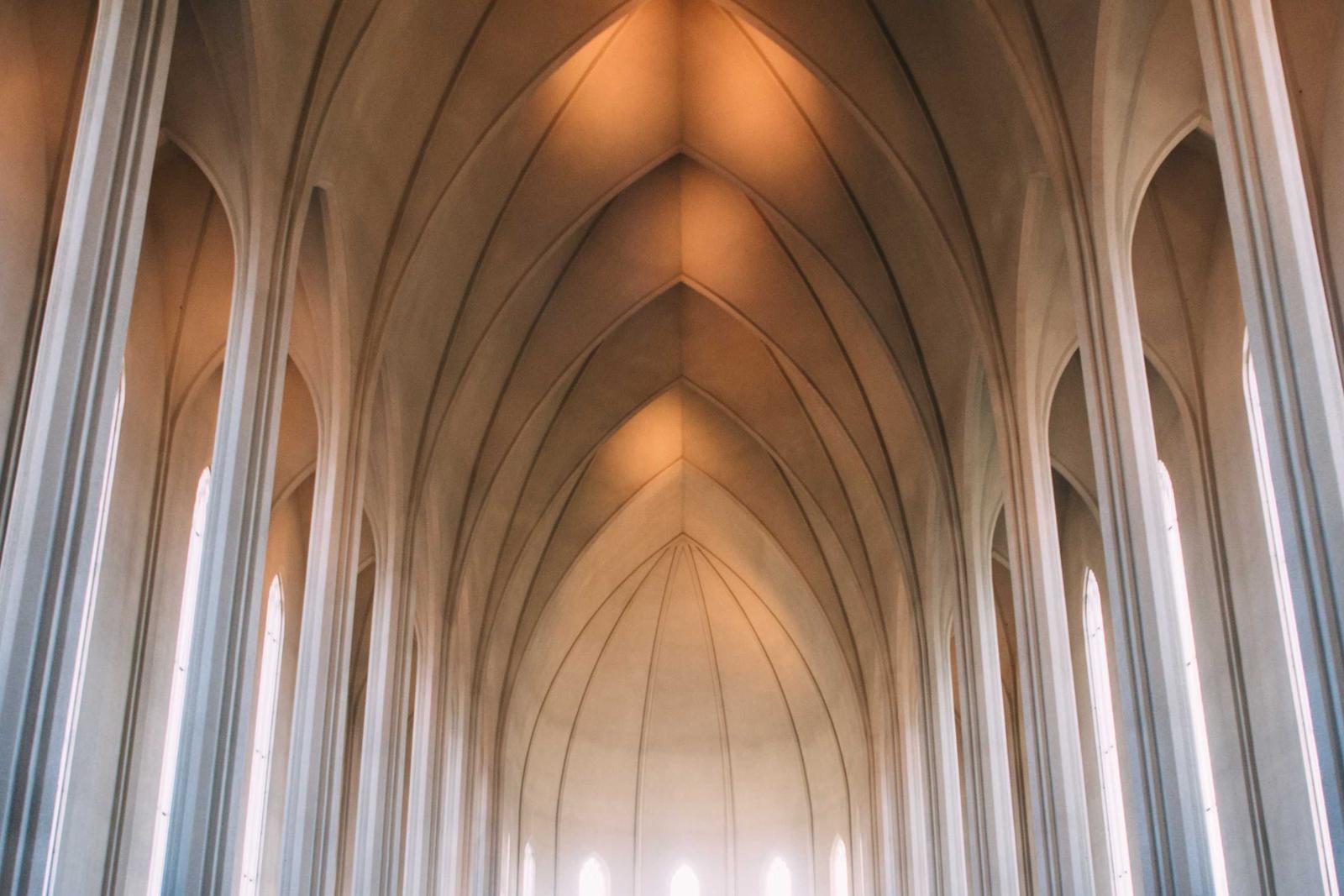
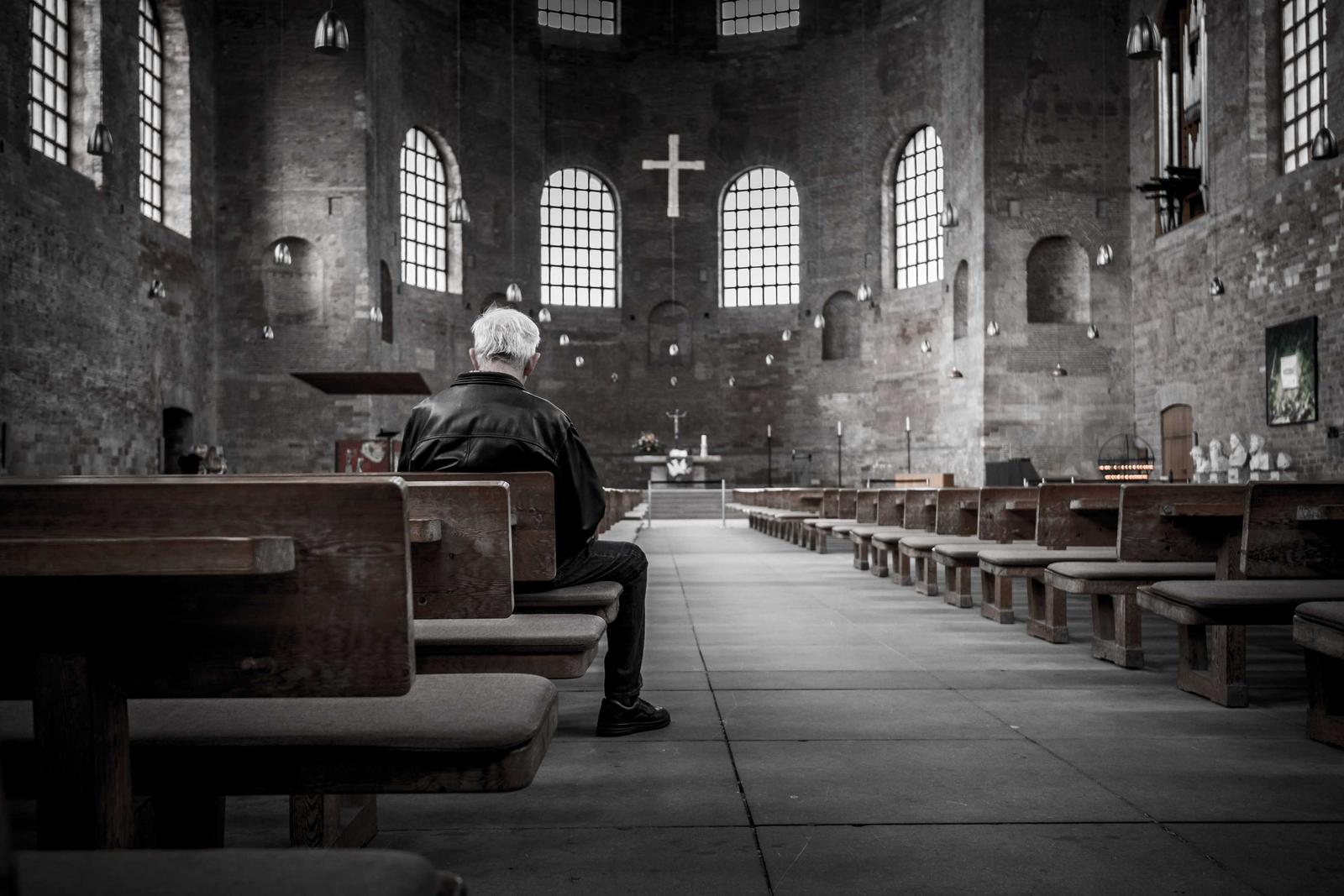
Also in the section picker: Text, Image, Photo gallery, Feature cards, Call to action, Testimonials, Map, Video, Buttons, Spacer / divider, Embed code.
Start from a site that already looks finished.
Four starter sites with real pages, real copy and sample photos you swap for your own. Open one and click around. It is the same renderer your site will use.
Nothing goes live until a person says so.
Every edit lands in a draft. Your public site only changes when someone presses Publish. The built-in assistant can write a first draft of your whole site, but it can only ever touch drafts, and anything it does not know becomes a placeholder like [Pastor’s name] instead of a guess.
Before you publish, the site check reads every page and lists what still needs a person.
- Placeholder text still needs to be filled in: [Pastor’s name]
- An image is missing a description (alt text) for people who cannot see it.
- The link “click here” does not say where it goes.
- Your text color on the page background is hard to read.
- This section still shows a sample photo from the template.
Your site lives on your server.
Webby is one Node app and one SQLite file. Pages, photos, form messages and donation records stay on a machine you control, and you can export all of it as JSON whenever you like.
- section types
- 22
- starter templates
- 5
- style presets
- 8
- cookies on your visitors
- 0
Running it is three commands on macOS or Linux with Node 22:
npm install
npm run build
npm start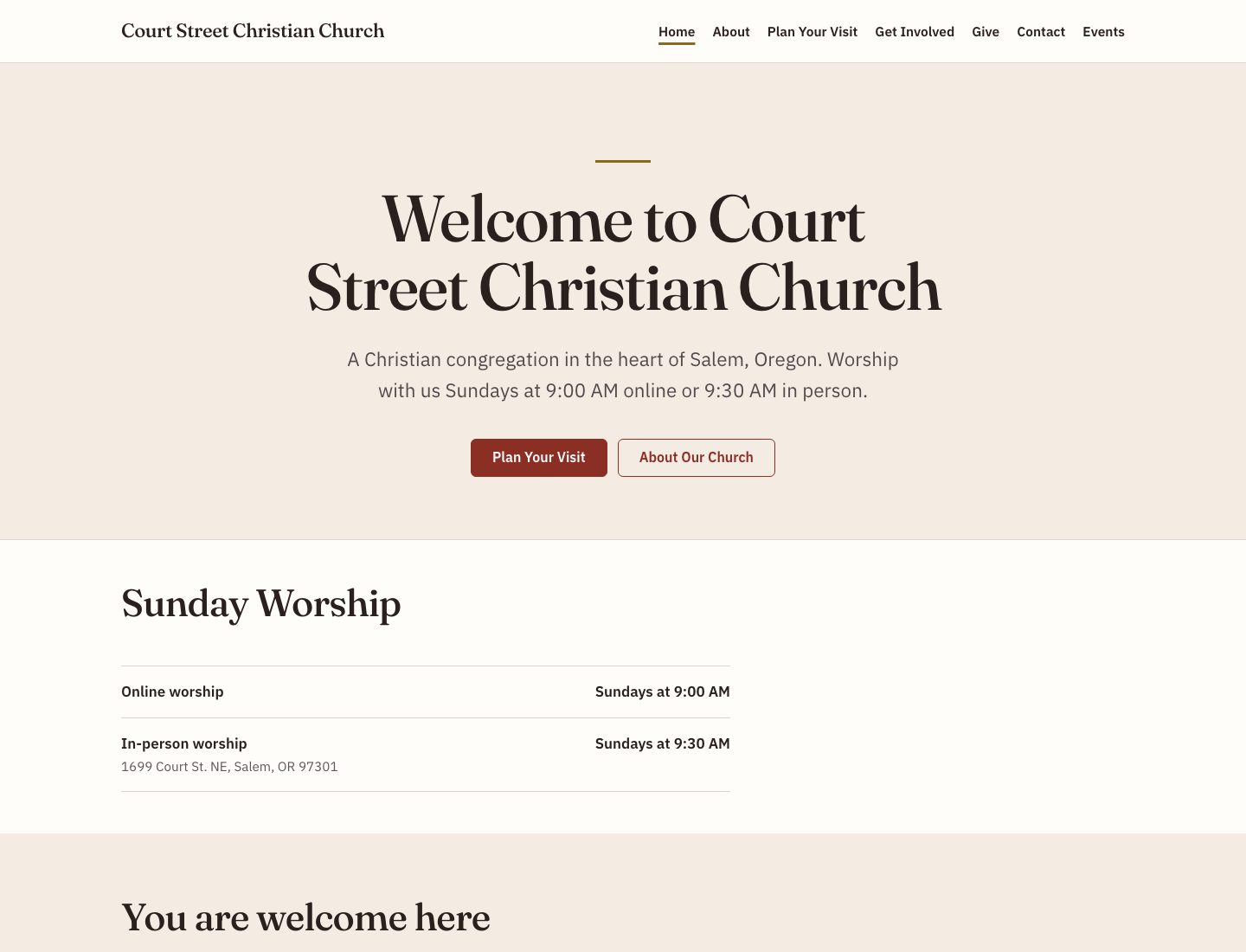
First built for a real church in Salem, Oregon.
Court Street Christian Church was the pilot. The assistant drafted six pages from a one-page brief for about 25 cents, and left 20 placeholders where it did not know the facts. A fact audit found nothing invented.
Then a person worked through the placeholders, ran the site check, and pressed Publish. The visitor flows were tested for real: a contact message, a prayer request, a newsletter signup and a pledge all landed in the dashboard.
This page is still a draft.Published. Your turn.
Every blank above is filled in. Press Publish and the draft marks come off, the same way they do on your own site.That is the whole workflow: sections, words, a check, and a person pressing Publish. Start yours whenever you are ready.